Understands your codebase
Litos explores the repository, follows dependencies, and builds context before it changes anything.
Litos understands your codebase, edits files, runs commands, fixes errors, and completes multi-step development tasks—without making you leave your editor.
Watch Litos plan, write, run, and iterate on actual projects—not a scripted product tour.
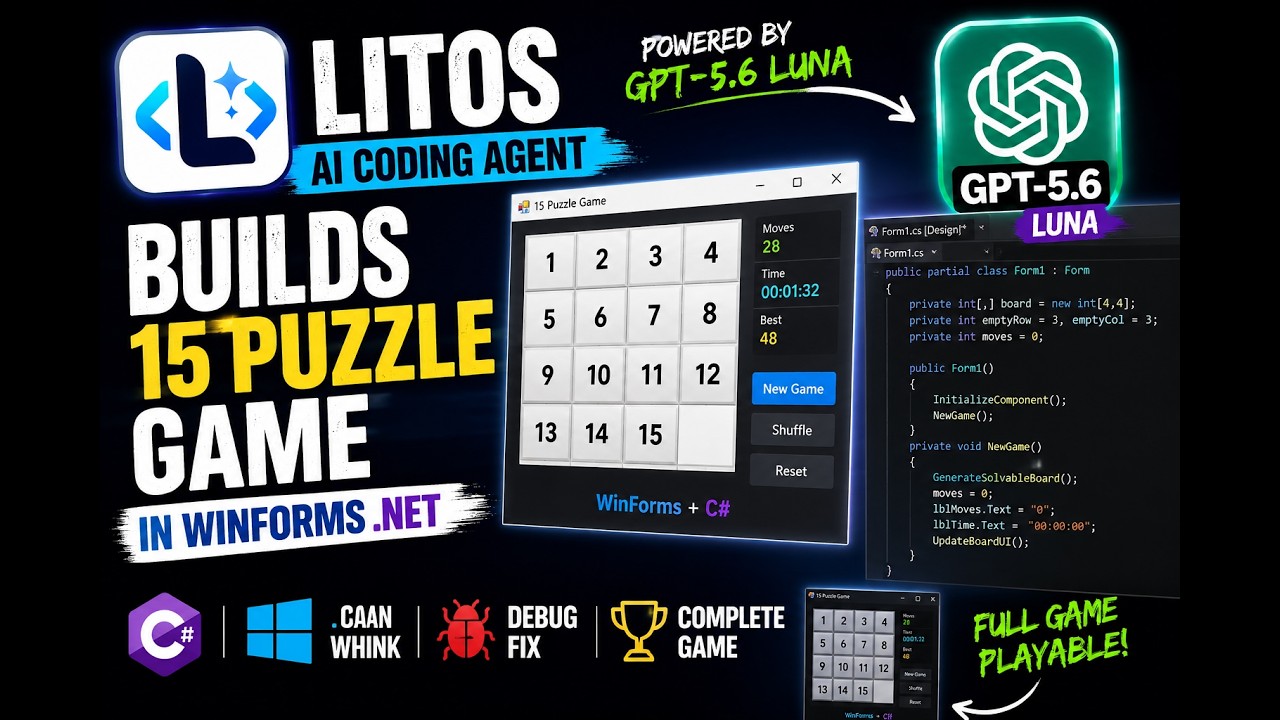 ▶Featured build
From an empty project to a working game: planning, coding, building, and fixing errors.
 ▶
▶See Litos understand an existing project and extend it without starting over.
 ▶
▶The same Litos agent creates Mermaid diagrams through a Telegram integration.
Not another chat window. Litos is an agent that can understand, act, and verify—while you remain in control.
Litos explores the repository, follows dependencies, and builds context before it changes anything.
Describe the outcome. Litos plans the work, edits the right files, and shows you a reviewable diff.
It runs builds, tests, scripts, and terminal commands—then iterates when something fails.
Use Claude, GPT, Gemini, OpenRouter—or run local AI models through Ollama, LM Studio, and compatible endpoints.
Most coding agents ask you to trust a black box. With Litos, the reasoning loop, tools, sessions, and integrations are code you can inspect, debug, and extend.
Explore the source on GitHub ↗Litos’s internal coding tools are deliberately fixed, minimal, and auto-approved across the VS Code extension, Litos.GUI, and Litos.Api. They do not have individual permission controls.
Litos.Api: A generic AI agent exposed through a REST API, so developers can integrate the Litos agent into their own applications, interfaces, and workflows. It also provides granular permissions for tools exposed by registered MCP servers.
Keep the editor you already love. Add an agent you can actually understand.
Yes. Litos is open source under Apache 2.0. You bring your own model provider API key.
Yes. Connect Litos to models running locally through Ollama, LM Studio, or another compatible local endpoint.
Litos currently provides first-class support for Windows and macOS.
No. Litos is an extension for the VS Code you already use.
No. The agent is built in C#/.NET, but can work with any language your selected model understands.